In a browser
Free
A computer plugged into the TV, running Chrome.
- Phones join the same way
- Up to 4 players, 8 in settings
- Drag your games onto the page
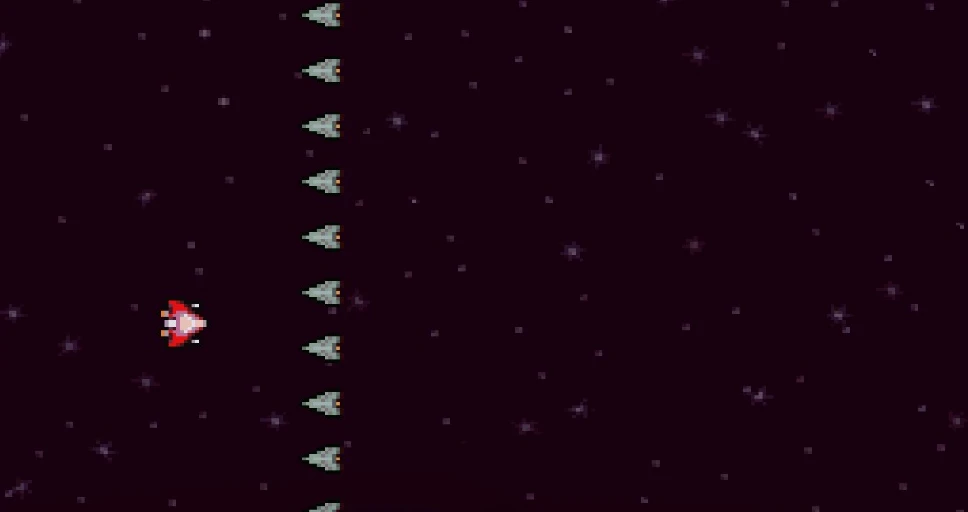
Retro games on your TV. Everyone on the sofa scans one code and plays. Nothing to install on the phones.
Scan to join
SOFA
Go on, scan it: this page opens on your phone.
From “who wants to play?” to playing, in about ten seconds. Nobody reads a manual.
Point a phone camera at the code on the TV. No app, no account.
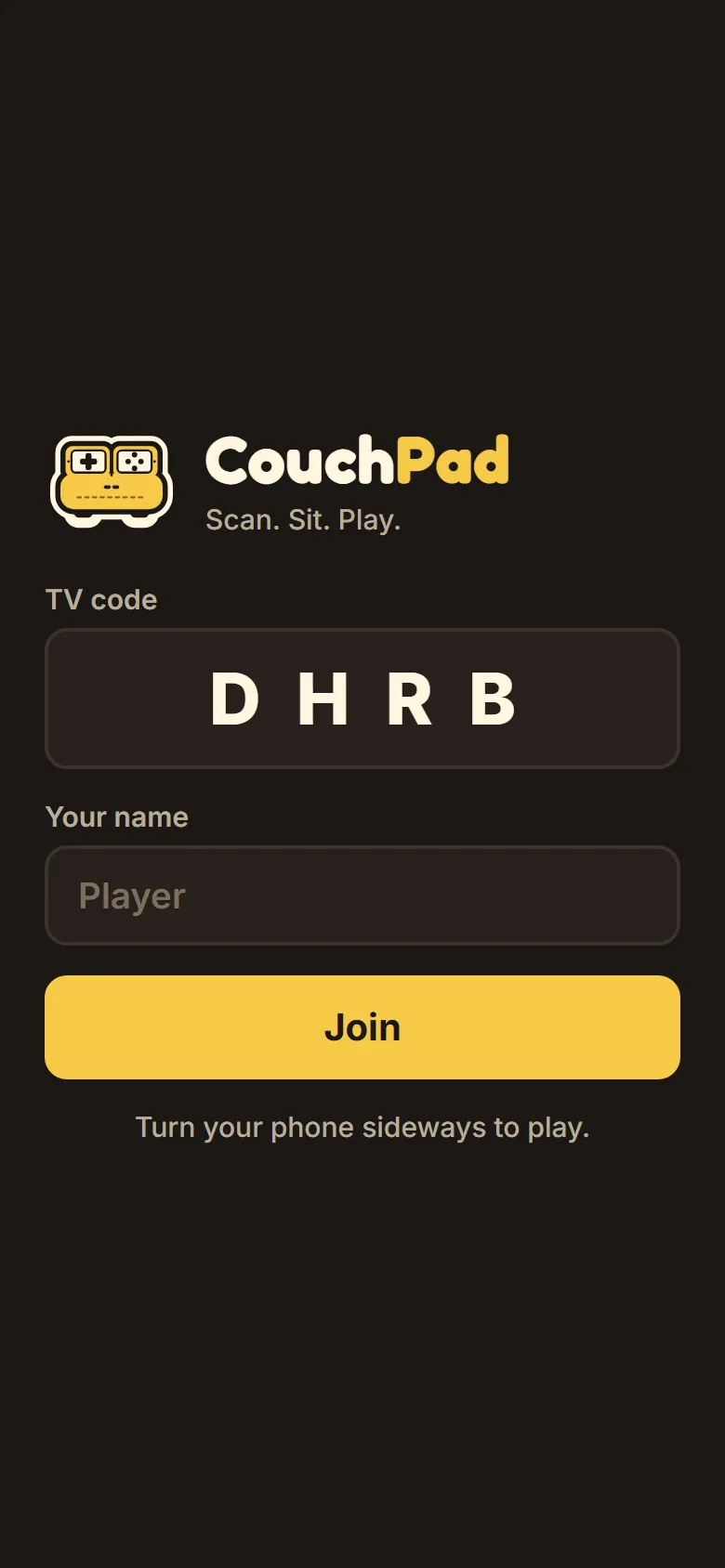
Type a name and tap Join. The phone takes the next free seat on the TV.
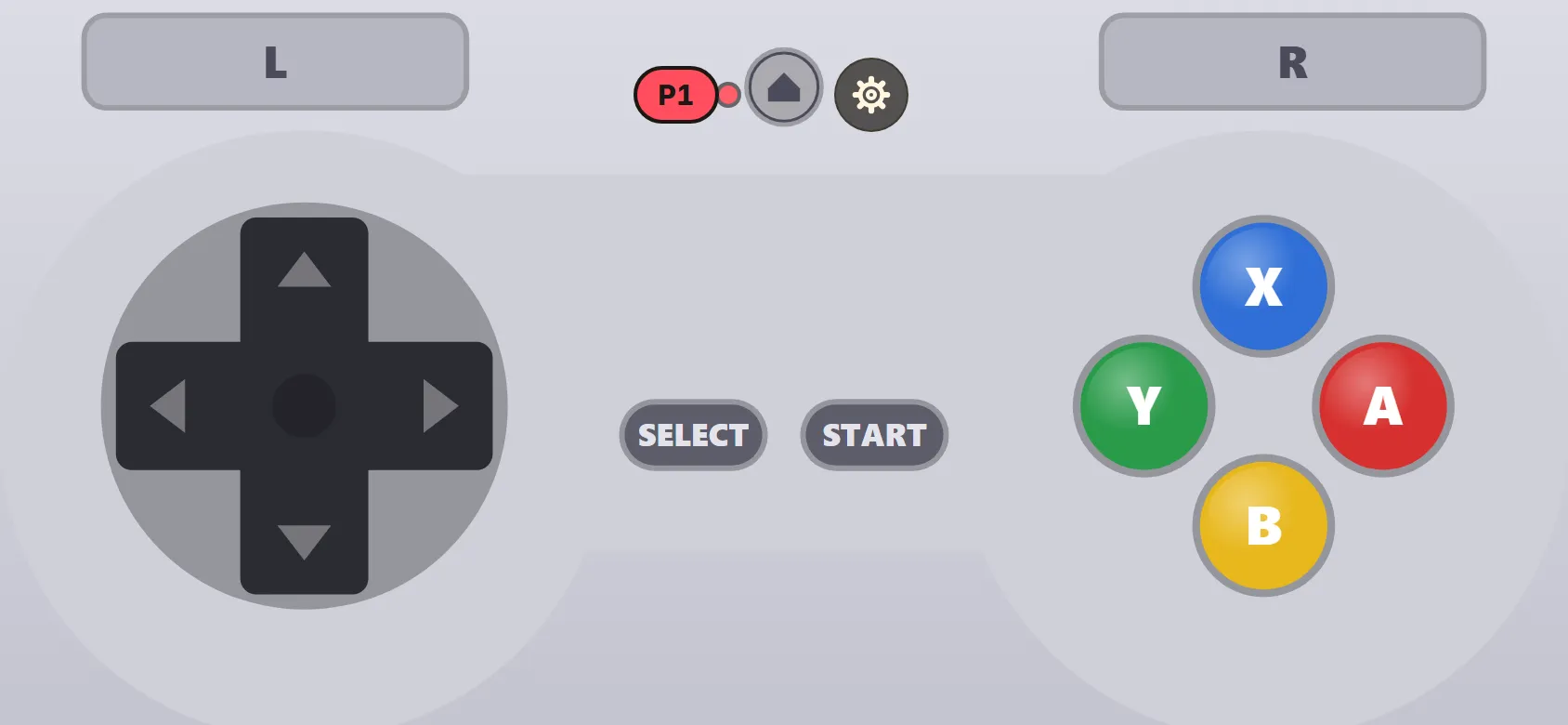
Turn the phone sideways. It’s now the controller for whatever is on the TV.
Scan to join
SOFA
couchpad.tv
Lina’s phone is in. Player 2.
Type a name above and watch the TV seat you.
 P1 5 ms
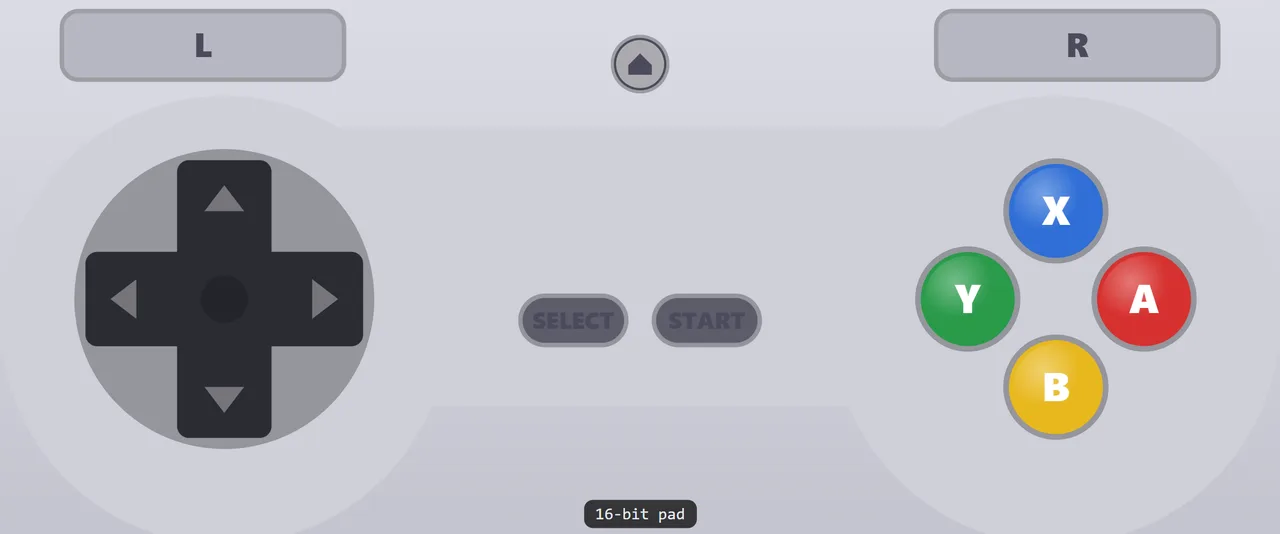
 SNES on the TV: every phone becomes a 16-bit pad. Free.
The pad changes with the game.
Start an N64 game and every phone grows C buttons and a Z trigger. Switch to SNES and it’s a SNES pad. Nobody touches a setting.
Fast enough to feel.
We measured it with a real game running: a press reaches the TV in 5 ms on 5 GHz Wi-Fi, and 95% of presses land within 9.5 ms. The TV shows everyone’s ping.
Feel every press.
Buttons light up the instant your thumb lands, and Android phones buzz under it. Rumble from the game comes through too.
Whose pad is whose.
Every seat has its own colour on the phone and on the TV, so P3 never steers P2’s kart.
Pro adds seats and bigger consoles. It never makes Free play worse: no ads, no timers, no added lag.
Free
A computer plugged into the TV, running Chrome.
Free
The Android TV app. No computer, no internet needed.
$5.99once
Everything in Free, plus:
Pro is bought inside CouchPad for Android TV, through Google Play. Prices can differ by country.
CouchPad includes no games. Play the games you own, or free homebrew.
No. They point the phone camera at the code on the TV and the controller opens in the browser. No app, no account, nothing to update.
It’s built for Chrome on Android and Safari on iPhone. Android phones buzz under your thumb; iPhones click with the system haptic.
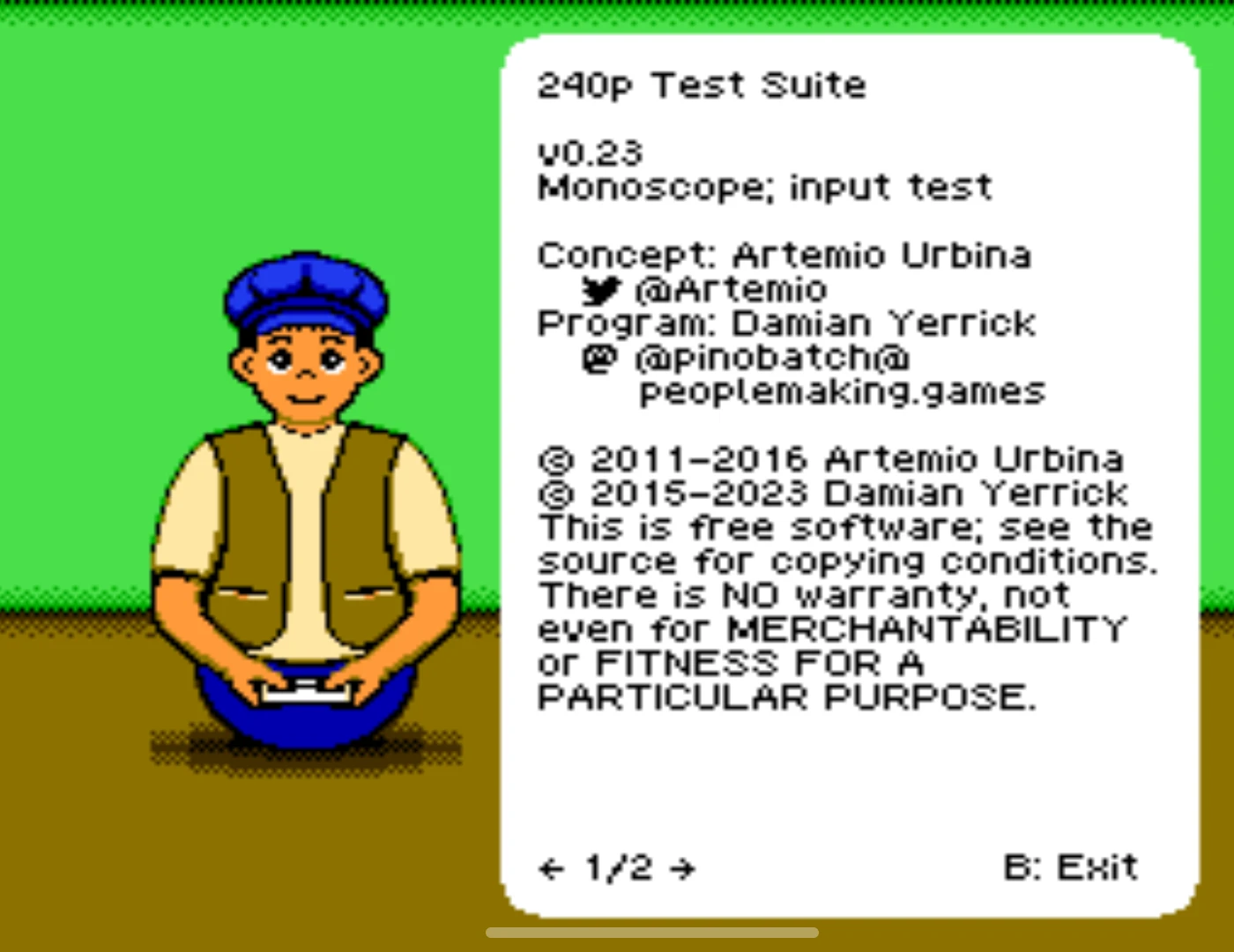
From you. CouchPad doesn’t include or sell games. Use backups of games you own, or free homebrew like the 240p Test Suite below.
Put them in folders like roms/snes/ on a USB drive, choose Add game folder on the TV, and they show up with their box art.
Free: NES, SNES, Genesis, Master System, Game Gear, Game Boy, Game Boy Color, Atari 2600 and PC Engine.
Pro adds GBA, PS1, N64, PSP, NDS and PS2. CouchPad checks how fast your TV box is and only shows the systems it can run well. PS2 needs a fast one.
We measured it on a Galaxy S21 with a real game running: a press reaches the TV in 5 ms, and 95% of presses arrive within 9.5 ms on 5 GHz Wi-Fi.
On 2.4 GHz most presses are still quick, but some arrive late. The TV shows every player’s connection, so you can see who should move closer.
Not with the Android TV app. The TV is its own little server: phones and TV just need the same Wi-Fi, not a guest network.
The browser version at app.couchpad.tv uses our server to connect phones to the TV page.
No. Pro is one purchase of $5.99 through Google Play, inside the app. It comes back when you sign in with the same Google account, and refunds go through Google Play.
Nothing. No accounts, no ads, no analytics. Names typed on phones go to your TV over your Wi-Fi and stay in the room.
CouchPad Free is on Google Play for Android TV. Pro is $5.99, once, when you want more seats.
Get it on Google Play